All Library Hours

Hours
More Information
CLICC Resources & Services
CLICC provides learning and research technology resources and services that advance the unique academic excellence possible only here in the UCLA Library.
- help
Equipment Lending
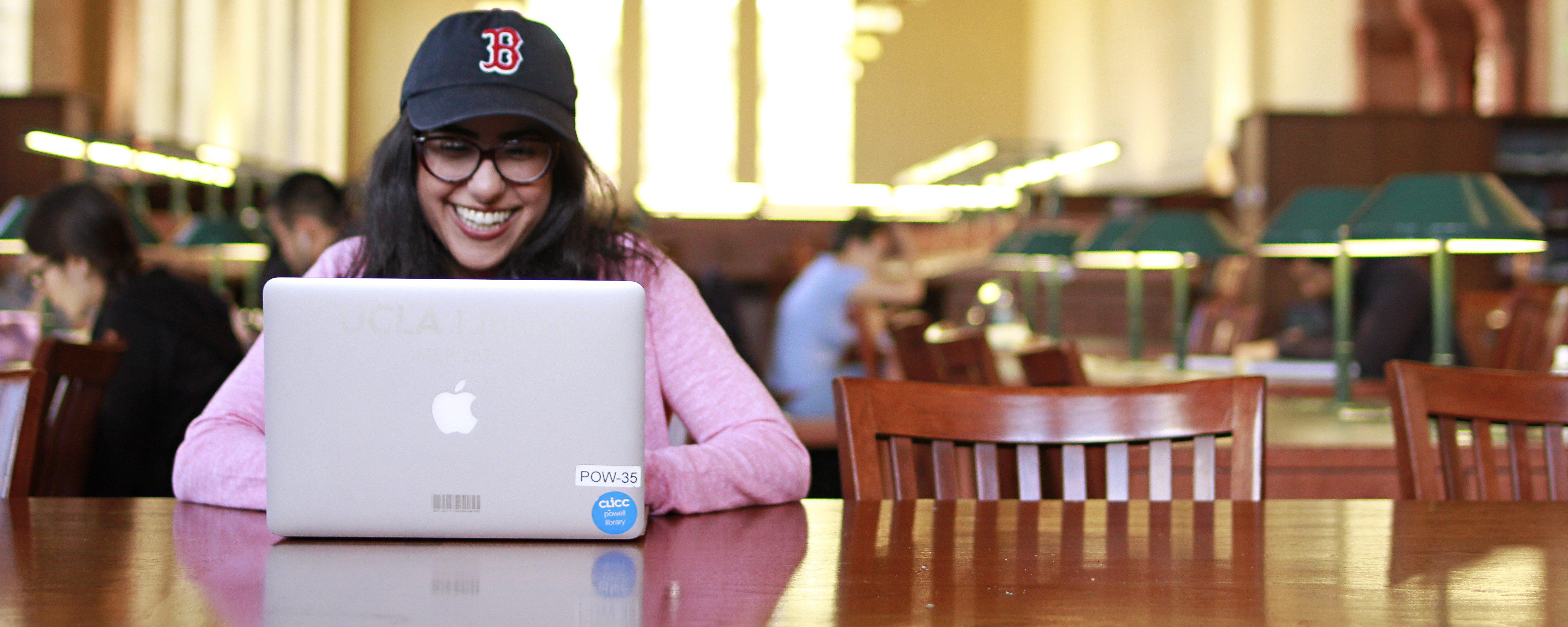
The UCLA Library lends laptops and other technology equipment to the UCLA community. - help
CLICC Classrooms
The Campus Library Instructional Computing Commons (CLICC) provides technology-enabled classrooms, helping instructors integrate technological tools into their curricula. - help
Virtual Desktop
Bruins with an internet connection can access our virtual Windows desktops, loaded with a plethora of software and programs. - about
Study and Instructional Space Reservation Policies
Policies for reserving group study rooms and instructional spaces in the Library.
Contact CLICC
CLICC staffs locations in Powell Library and the Young Research Library (YRL). Outside of service hours, please call (310) 825-7557 and leave a message.
- Powell 140, CLICC Lending Desk: (310) 794-1018
- Powell 145, CLICC Lab: (310) 206-0271
- Powell 320, CLICC Classrooms Hub: (310) 825-8208
- YRL 11360E, CLICC Lending Desk: (310) 267-5464
Equipment Lending

CLICC lends learning and research equipment to any UCLA student, staff or faculty member from seven locations across the UCLA Library. The home of education technology equipment in the UCLA Library, CLICC has served as a leader at UCLA and across higher education for educational technology lending for more than twenty-five years and continues to reimagine how universities and libraries can enable anyone to pursue their academic achievements.
Classrooms

CLICC hosts four technology-enabled classrooms across Powell Library and the Charles E. Young Research Library (YRL), accompanied by our expert advising and collaboration on enhancing instruction by effectively integrating relevant technology with course content.
Virtual Desktops
CLICC provides virtual desktops so Bruins can access UCLA resources and work in dozens of licensed software suites. Virtual desktops can be used on any computer or tablet anywhere in the world with an Internet connection and the UCLA VPN.